

Canvas Teaching Tips are distributed by the Dodge Family College of Arts and Sciences Online and Academic Technology Services office and offer SHORT helpful tips about Canvas, online learning, and academic technology.
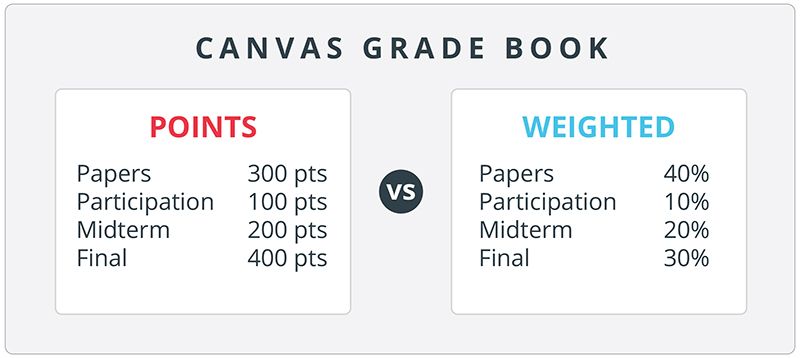
Final grade calculations in Canvas can be setup based on points or a weighted grading system. It is important to take note of which system you have in place in Canvas so that it matches the course syllabus and student expectations.
In Canvas, the grade book is dependent upon the settings in the Assignments area of the course. It is here that you can change the final grade calculation from a points based system to weighted. By default, the grade book will use a points based system.
Guide to setting up a weighted grading system
Guide to setting up Extra Credit in a weighted grading system, which can sometimes be confusing
NOTE: Weighted grades are determined by Assignment Groups.
How do I add an assignment group in a course?

Canvas help is easy to find and always available. Click the Help button in the Canvas global navigation for 24 hour support and great help guides.
If you'd like to learn more about this Canvas tip, or Canvas in general, please contact our office at 405.325.5854 or casonline@ou.edu.
